
Upbeat pop-folkSpringy mid-tempo groove
Neon Afterglow
MiniMax Music 3
NEXT-GENERATION AI MUSIC | STUDIO-QUALITY SONG CREATION
Create studio-quality songs instantly with MiniMax Music 3. Turn prompts or lyrics into expressive vocals and complete tracks.
 MiniMax Music 3 Generator
Discover AI-generated song concepts that showcase the creative range of MiniMax Music 3 across genres, moods, vocals, and musical arrangements.
MiniMax Music 3

MiniMax Music 3
MiniMax Music 3

MiniMax Music 3
MiniMax Music 3
MiniMax Music 3
MiniMax Music 3
MiniMax Music 3
Go from a musical idea to a structured, full-length track with the MiniMax Music 3 AI music generator. No studio setup or production experience is required to begin exploring a song.
Enter lyrics or describe the genre, mood, tempo, instruments, vocal style, and song structure you want MiniMax Music 3 to follow.
MiniMax Music 3 interprets your direction and composes a coherent song with arranged sections, expressive vocals, and a polished instrumental foundation.
Listen to the result, revise the prompt or lyrics when needed, then save the MiniMax Music 3 track for your creative workflow.
Create more than a short audio idea. MiniMax Music 3 combines text-to-song generation, lyrics-to-music, natural AI vocals, detailed arrangement control, and long-form coherence in one streamlined workflow.
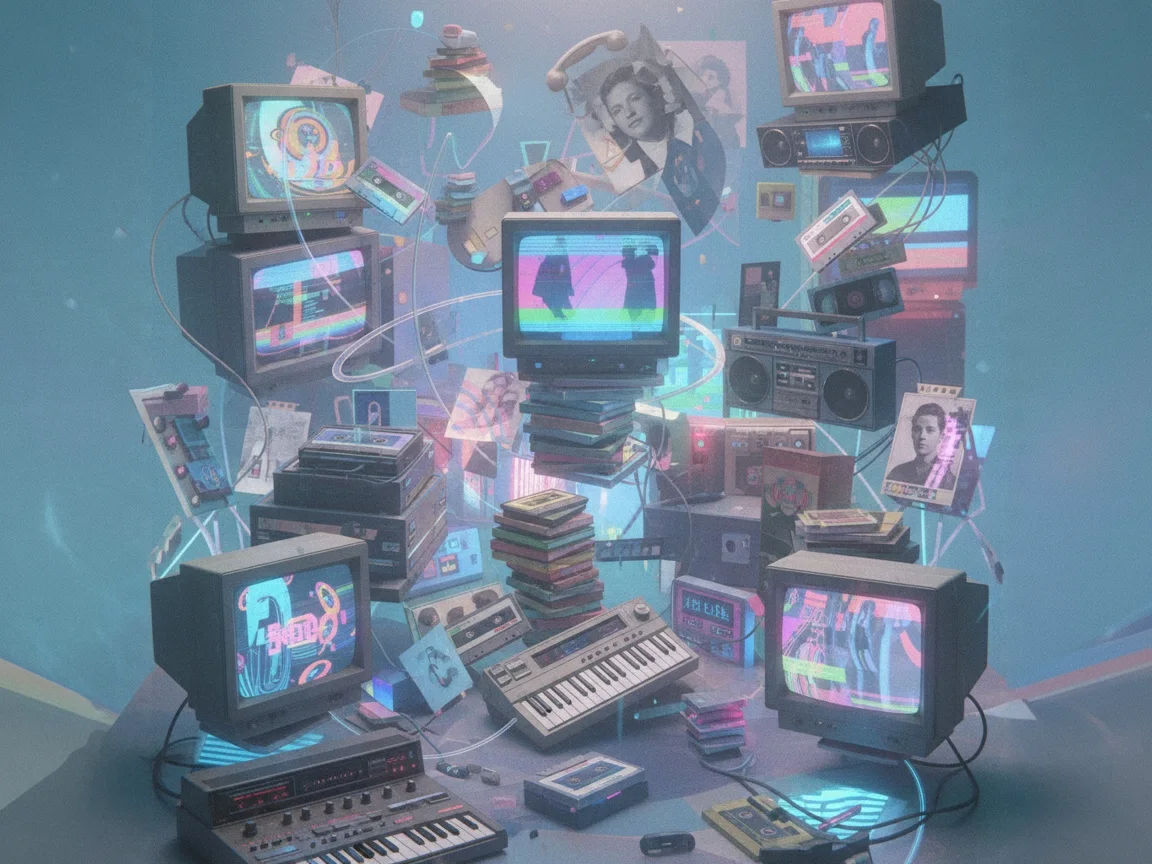
Turn a plain-language prompt into a complete song with a clear intro, verses, chorus, bridge, and outro. MiniMax Music 3 builds the composition and performance together, helping creators move quickly from concept to listenable music.
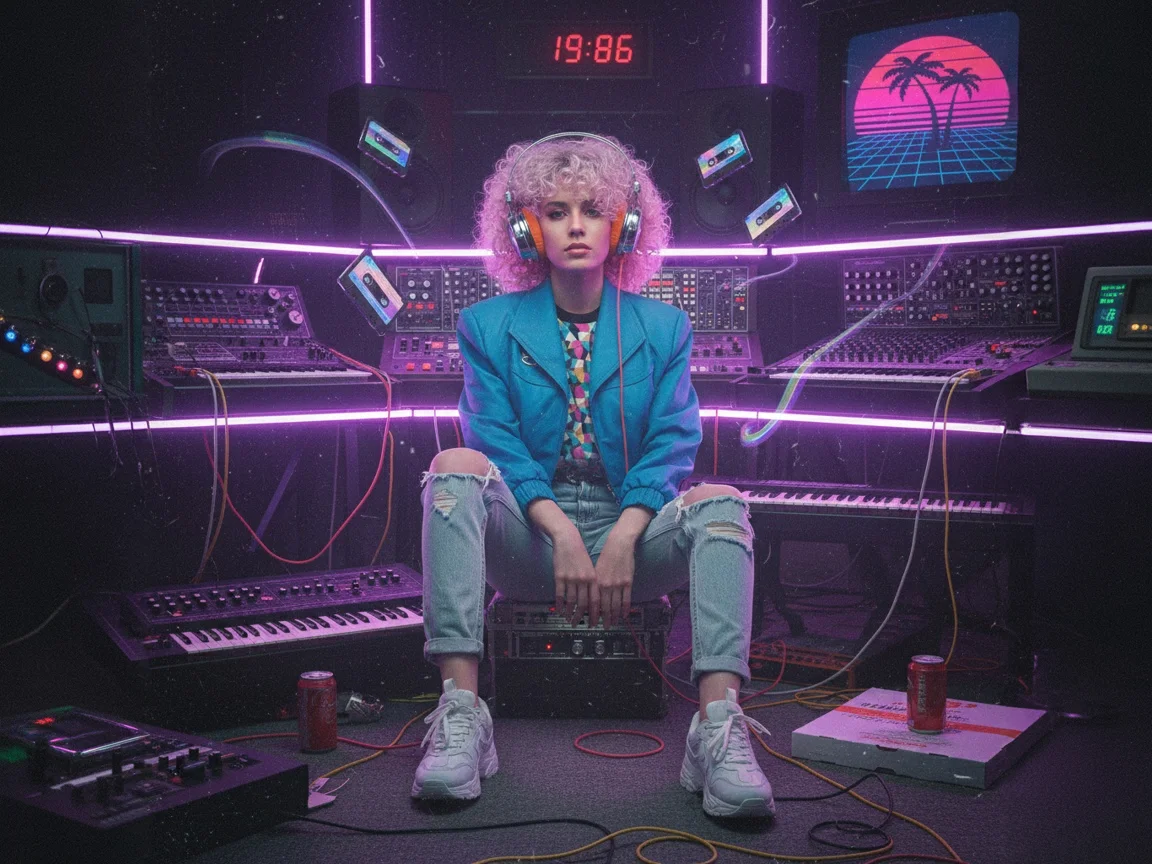
Paste your own lyrics and let MiniMax Music 3 shape them into a vocal-led track. The model follows lyrical phrasing and section cues while creating melodies, accompaniment, and performances that feel connected to the words.
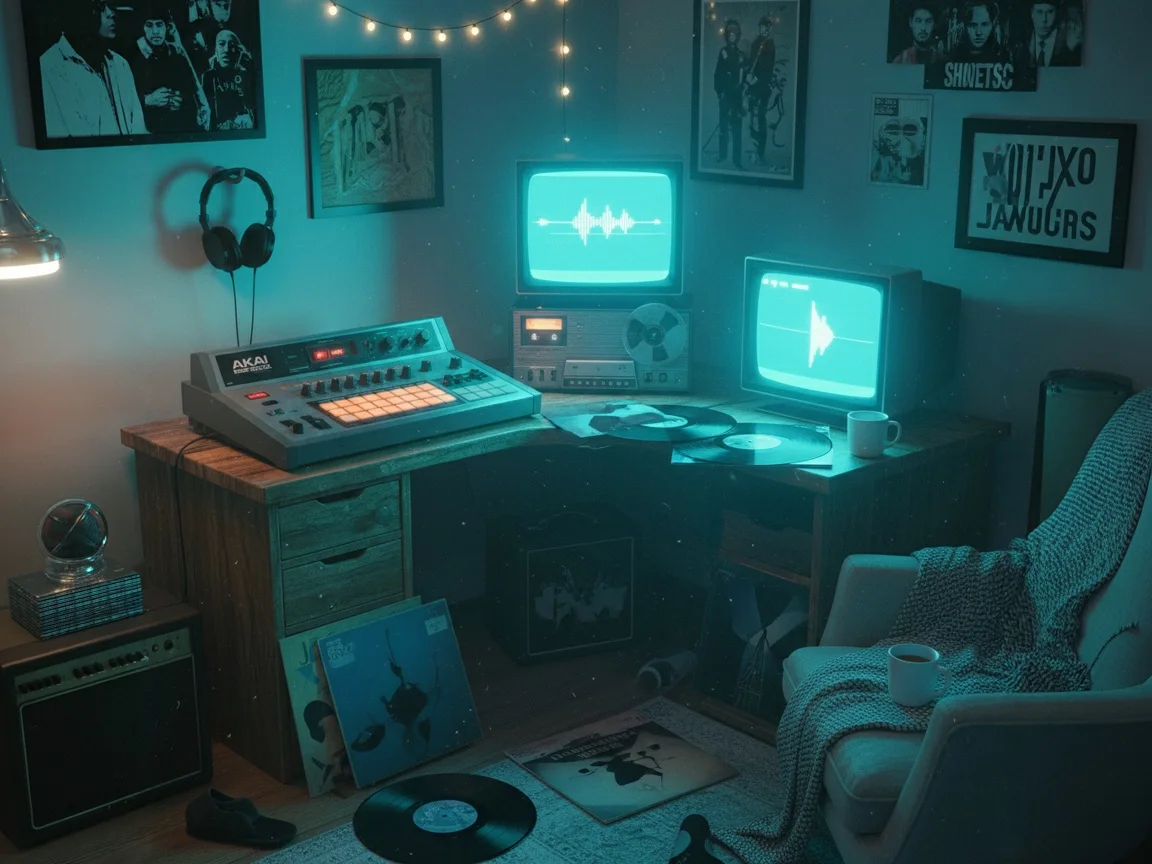
MiniMax Music 3 is designed for expressive singing rather than flat vocal playback. Use descriptive prompts to explore intimate, energetic, powerful, or restrained performances across different musical styles.

Describe the sound you want with production-level detail. MiniMax Music 3 can respond to prompts for instrumentation, tempo, genre fusion, atmosphere, vocal delivery, and evolving song sections without forcing you through complicated controls.
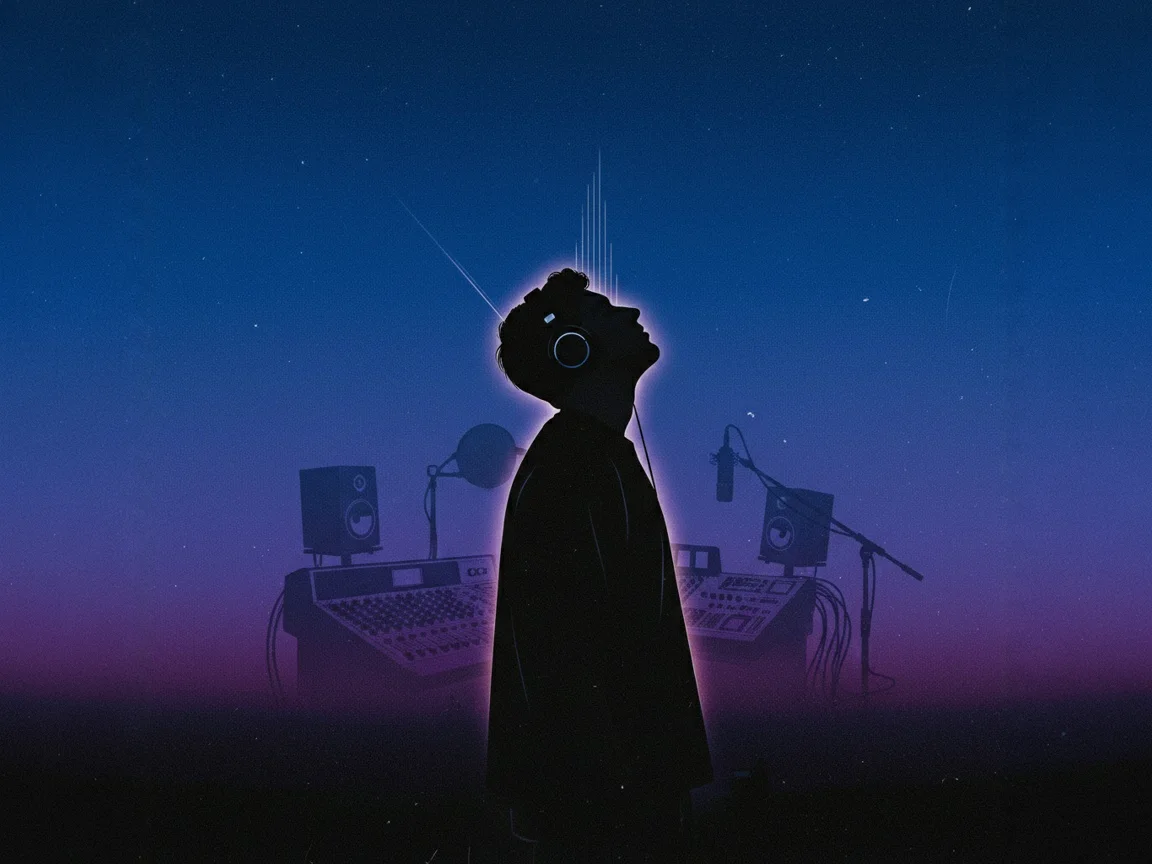
Build longer tracks that have room to develop. MiniMax Music 3 supports music generation up to five minutes, allowing themes, vocals, and arrangements to progress across a more complete song structure.
MiniMax Music 3 brings songwriting, composition, vocals, and arrangement into a focused AI music workflow built for fast experimentation and complete musical ideas.
Start with a short concept and hear a structured result in minutes. MiniMax Music 3 reduces the distance between inspiration, an arrangement, and a song you can evaluate.
Explore pop, rock, electronic, cinematic, hip-hop, acoustic, and hybrid styles. Official examples also demonstrate Chinese and English lyric generation for multilingual ideas.
Create music with recognizable song sections and progression. MiniMax Music 3 is built to develop an idea across an intro, verses, choruses, transitions, and an ending.
Generate layered arrangements in which vocals, rhythm, melody, and supporting instruments work together, giving each MiniMax Music 3 result a more production-ready direction.
Beginners can start with one sentence, while experienced creators can specify structure, dynamics, instruments, vocal behavior, and mixing character in greater detail.
Use the online MiniMax Music 3 experience for an accessible workflow, while developers and technical creators can also explore the model's available ecosystem and open-weight options.
Explore three practical workflow examples for turning written direction into soundtracks, vocal demos, and podcast themes with MiniMax Music 3.
Describe the pace, atmosphere, and narrative arc of a video, then use MiniMax Music 3 to generate a complete musical direction that can be tested against the edit.
 Video Soundtrack WorkflowFor content creators
Place unfinished lyrics inside a structured arrangement with expressive vocals. MiniMax Music 3 makes it possible to explore how a song could feel before committing to a recording session.
 Songwriting Demo WorkflowFor independent songwriters
Specify a mood, instrumentation, and duration to brainstorm intros, transitions, and episode themes. MiniMax Music 3 turns those production notes into audio concepts you can evaluate.
 Podcast Theme WorkflowFor podcast producers
Answers to common questions about using the MiniMax Music 3 AI music generator for songs, vocals, lyrics, and instrumental creation.
Turn lyrics, moods, and production ideas into complete songs with expressive vocals and evolving arrangements. Bring your next track to life with MiniMax Music 3.
Create with MiniMax Music 3